
Generate PrestaShop Short Descriptions with Claude by Product Name, Brand, and Features
Do you spend too much time filling in missing product details manually? With the Claude integration in Store Manager for PrestaShop, you can automatically create short descriptions in bulk based on product name, brand, and features. If you haven’t tried the software yet, this is a great moment to start with a free trial. Let’s dive in.
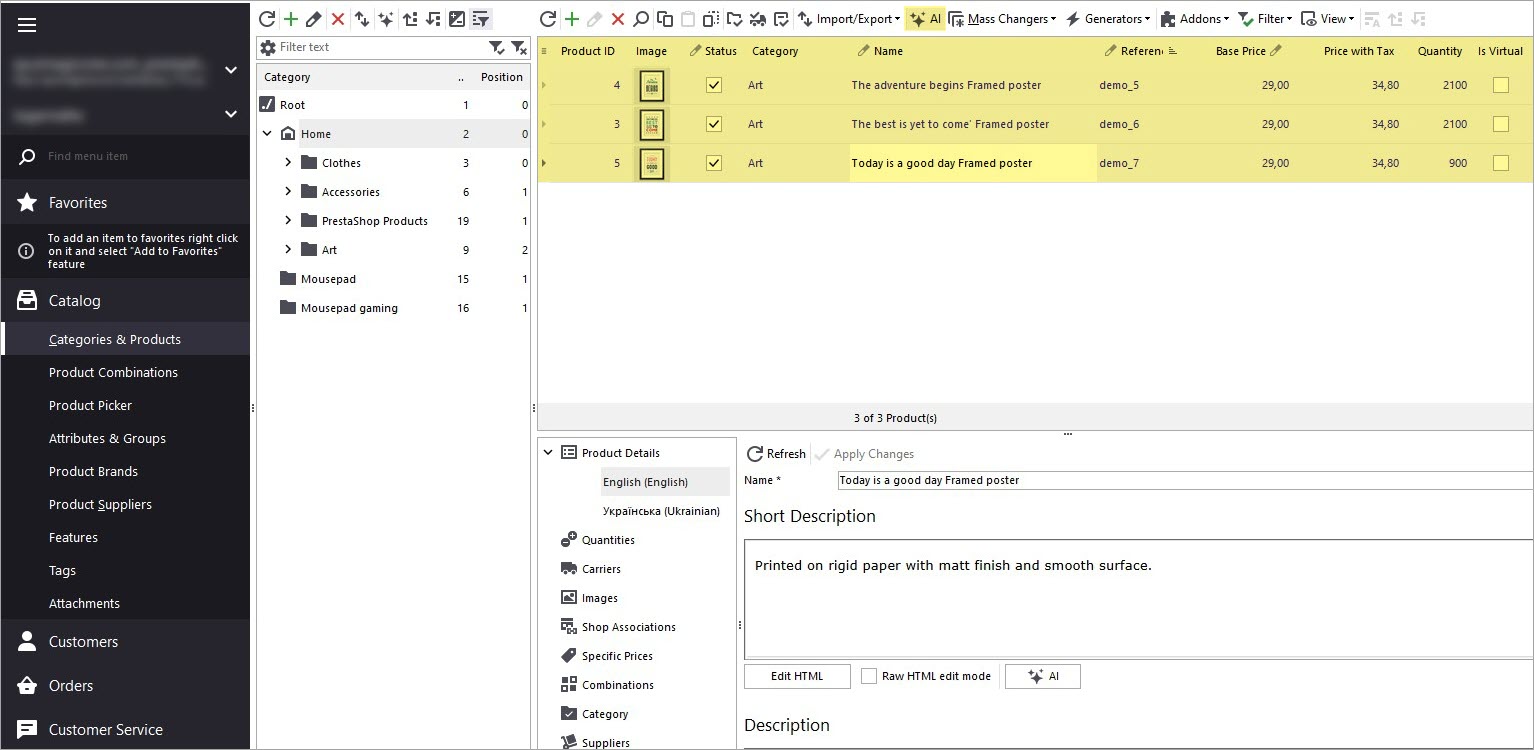
First, review your current data. In our case, the products don’t have short descriptions yet - they are simply empty. The list of product features, that will be used for generating the descriptions, can be checked in the lower grid in Store Manager.
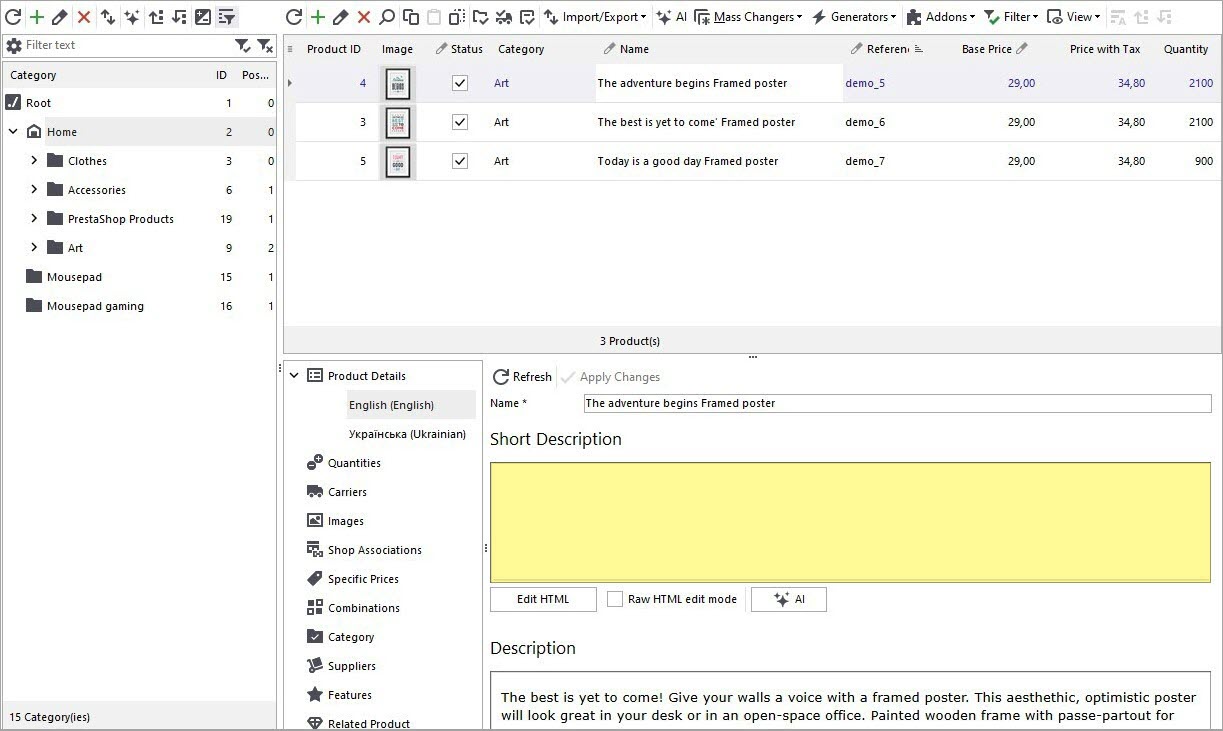
Let’s start!
Claude Registration in PrestaShop Manager
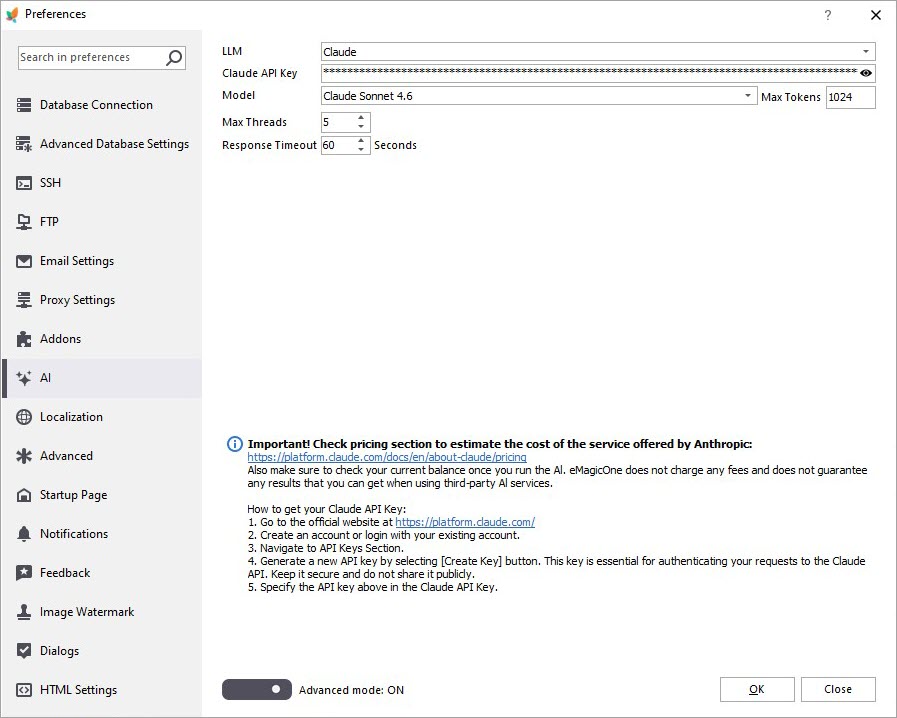
Open the Preferences (F12) window in PrestaShop Manager and go to the AI tab. Select Claude from the LLM dropdown, specify the API key and a model.
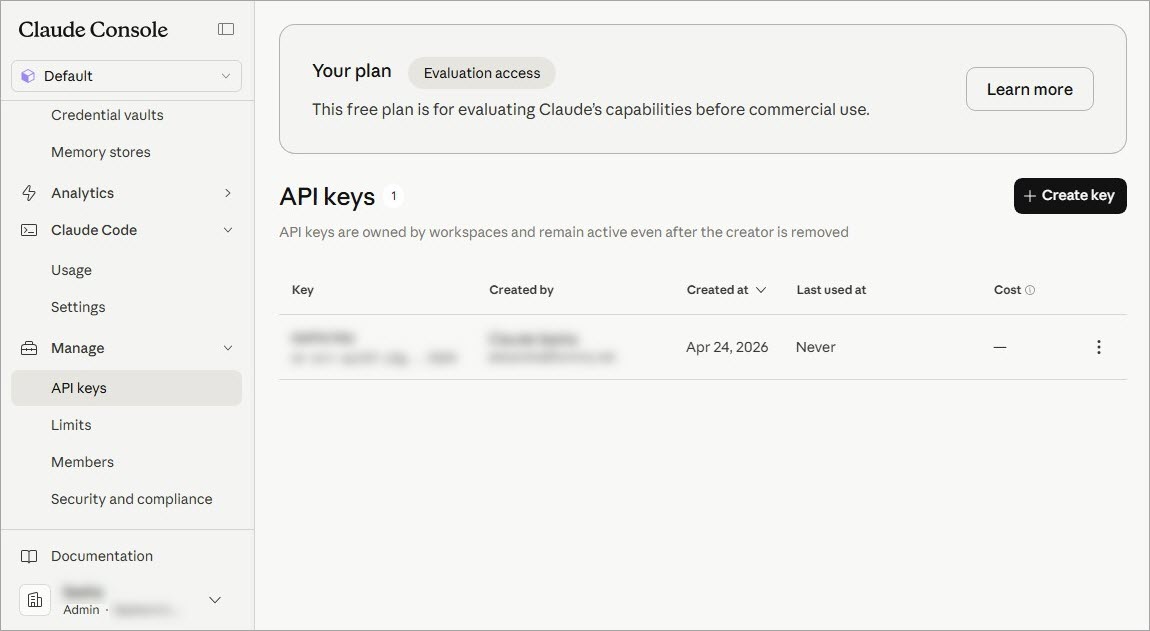
You can create an API key in the Claude console / Manage / API keys.
Create a Custom Prompt
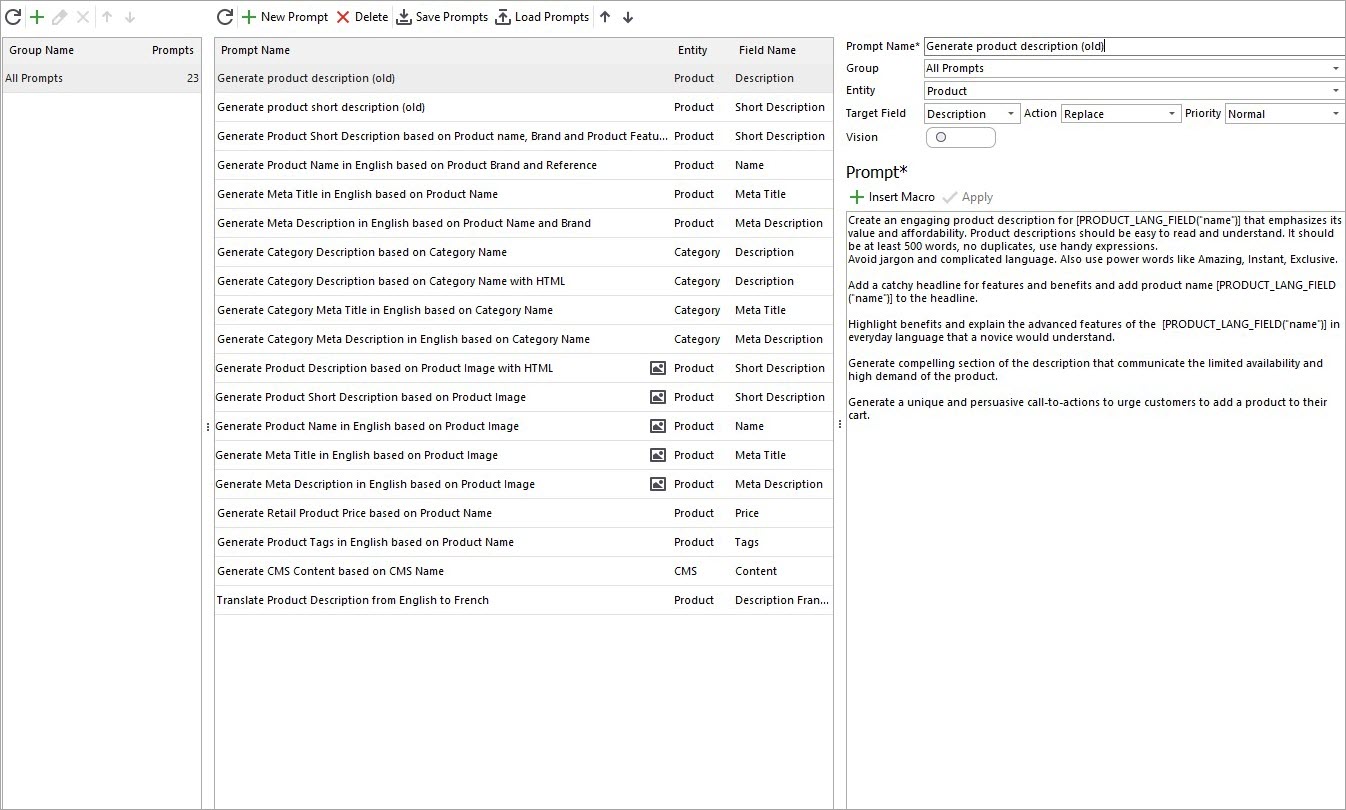
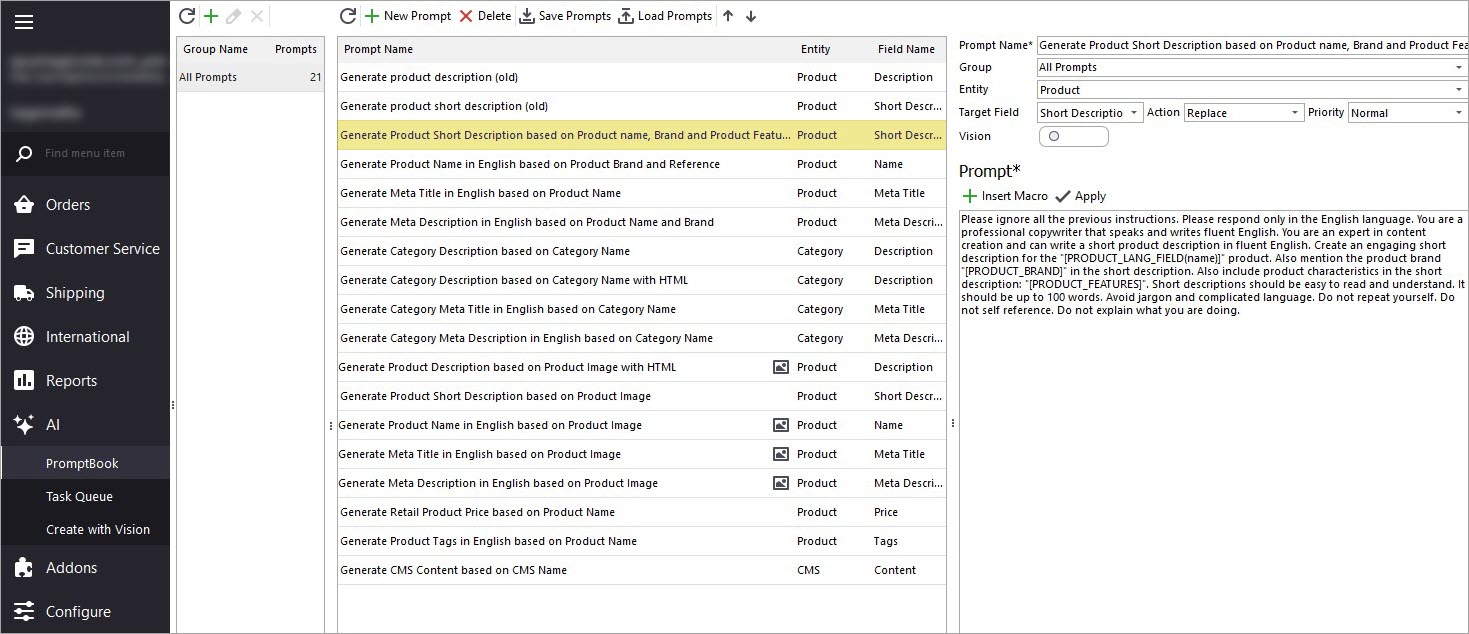
To begin generating short descriptions, open the AI menu and navigate to the PromptBook. You’ll find a collection of prompts that can be applied to products in bulk.
Add Relevant Macros to the Prompt
You’ll see a list of macros representing product fields that can be used to build your content.
Experiment with the prompt to achieve the desired output. In our case, we’ll generate a short description using product name, brand, and features.
Open the Claude Mass Changer
After finalizing your prompt, return to the product list and select the items you want to update. It’s best to start with a small batch to review the results before applying changes across your entire catalog. Then, click the AI button to access Claude content generation settings.
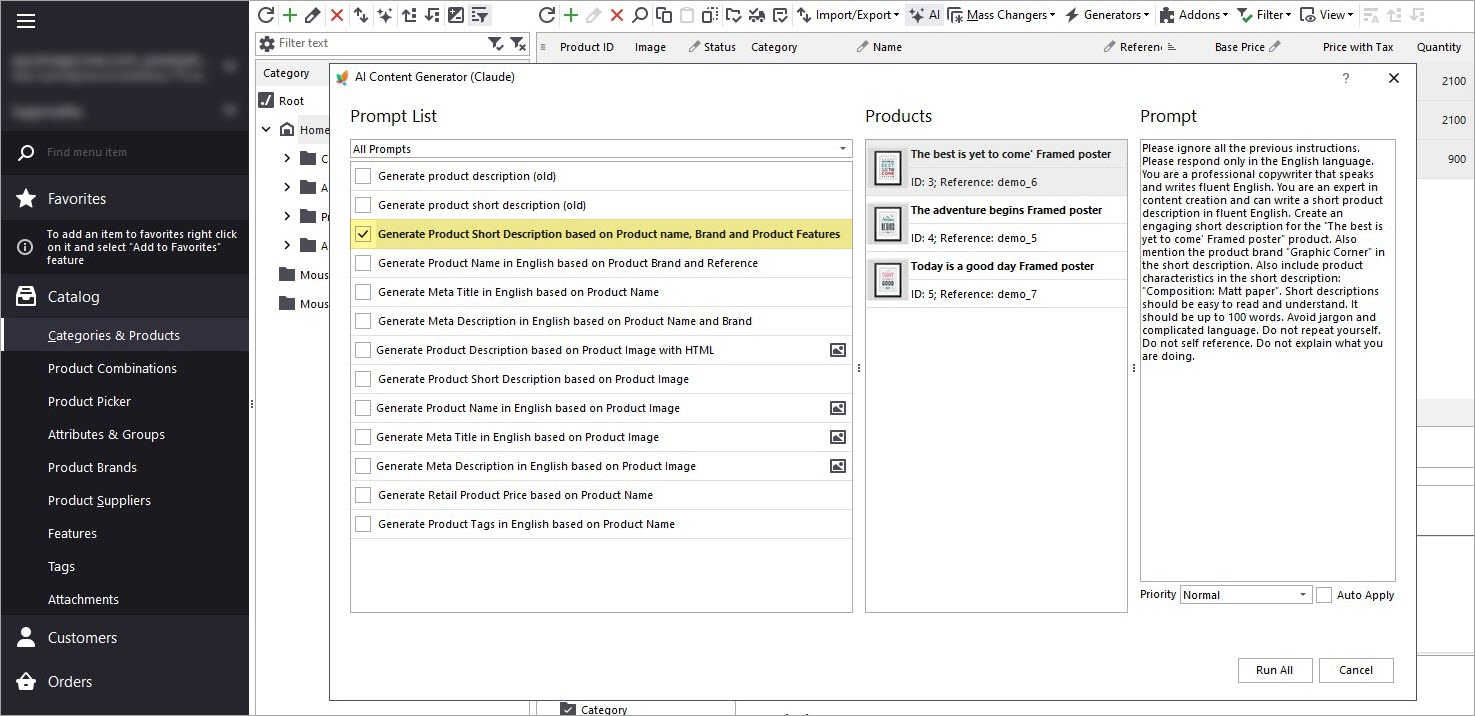
Select a Prompt and Define an Action
Choose the prompt you created and specify what action should be performed. You can create, replace, append the existing short description with the AI-generated one. You can always create and modify prompts in the PromptBook.
Run the Process via Tasks Queue
Start the process and open the Tasks Queue to monitor progress.
The status will change from “Pending” to “Generated.” You can preview the response generated by Claude before applying it to your products.
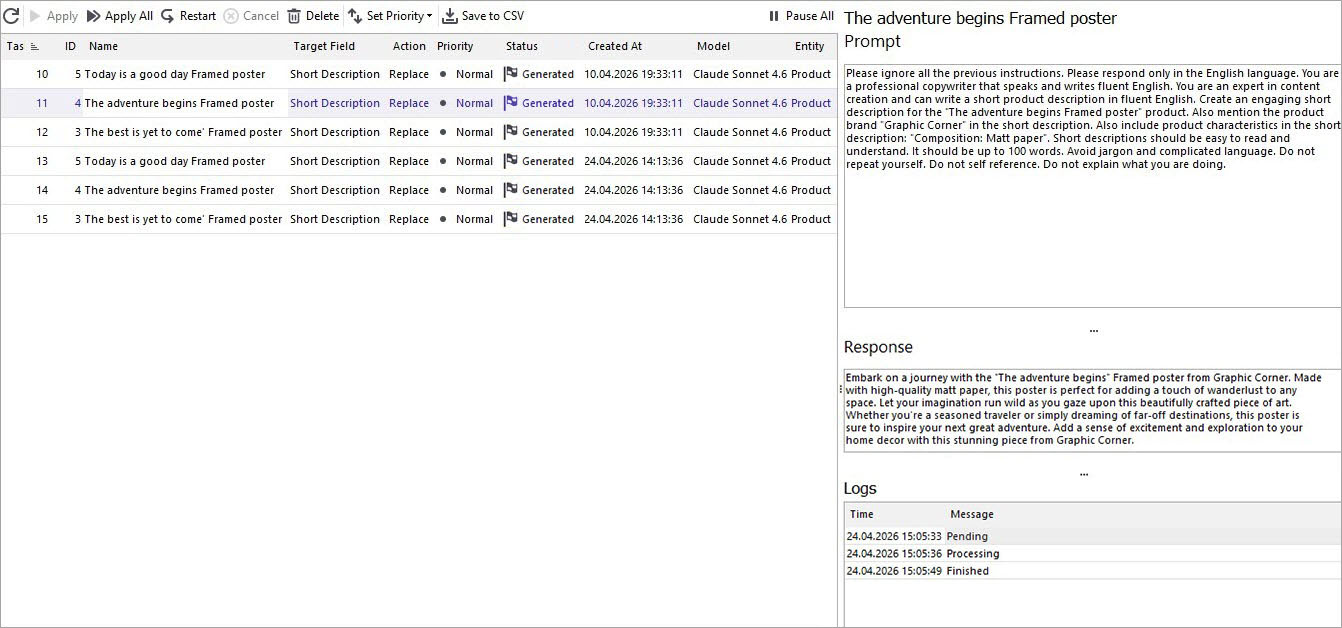
Apply the Generated Content
If the result meets your expectations, click “Apply” to update each product individually or in bulk.
Verify Changes on the Storefront
Once applied, check your store to see the updated short descriptions.
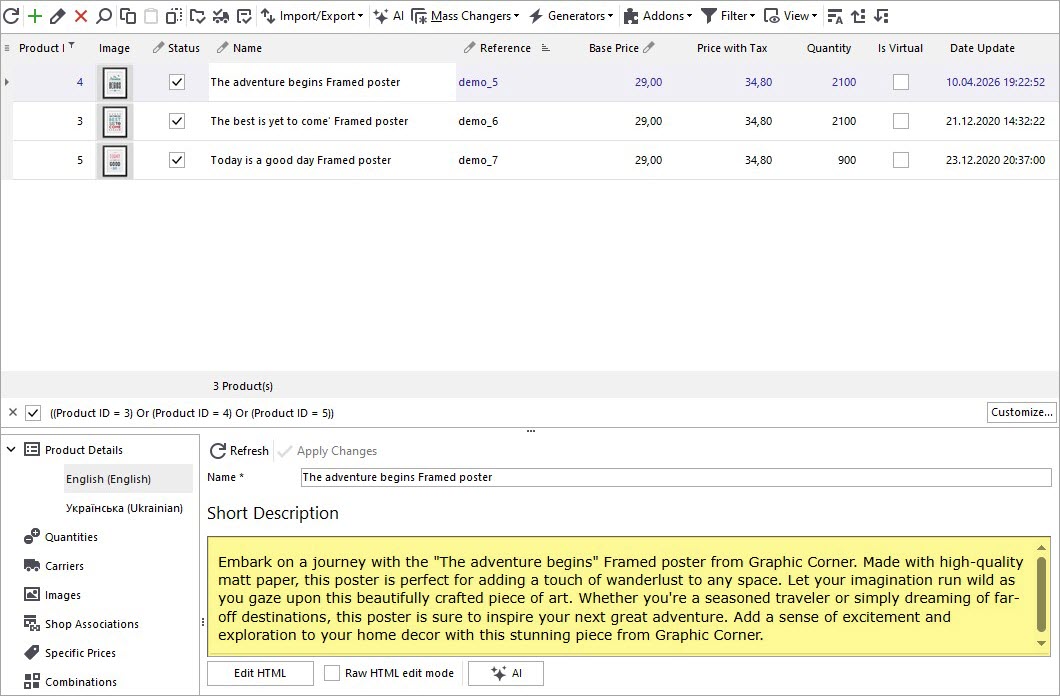
Open a product page on the frontend and refresh it to confirm the changes.
You can repeat this process for your entire catalog. Additionally, you can append or prepend generated text or include other product attributes such as color, size, and more.
Important: Claude charges for each generation or translation request. Be sure to check your balance before running large tasks.
Expanding your store globally doesn’t have to be expensive or time-consuming. With Claude-powered automation, you can efficiently translate and generate product descriptions, improving your store’s visibility and accessibility worldwide.
Try the free trial and explore the benefits yourself.
If you have a specific PrestaShop challenge that Claude could help solve, feel free to share via the contact form or Live Chat - we’ll gladly review your case and suggest possible solutions.
Generate PrestaShop Short Descriptions with Claude by Product Name, Brand, and Features by eMagicOne
Download FREE trial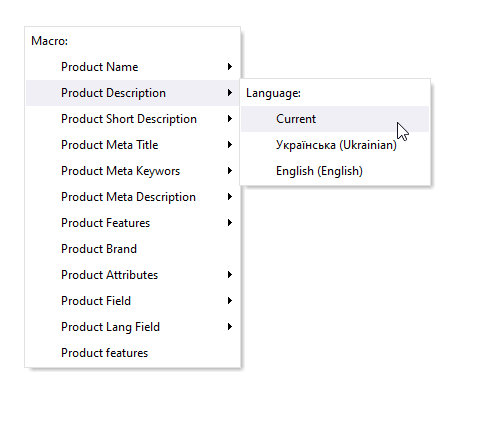
How to Generate PrestaShop Product Meta Description Based on Product Name and Brand with ChatGPT
Learn how to generate product meta descriptions based on product name and brand in bulk with Store Manager for PrestaShop and ChatGPT tool. Read More...
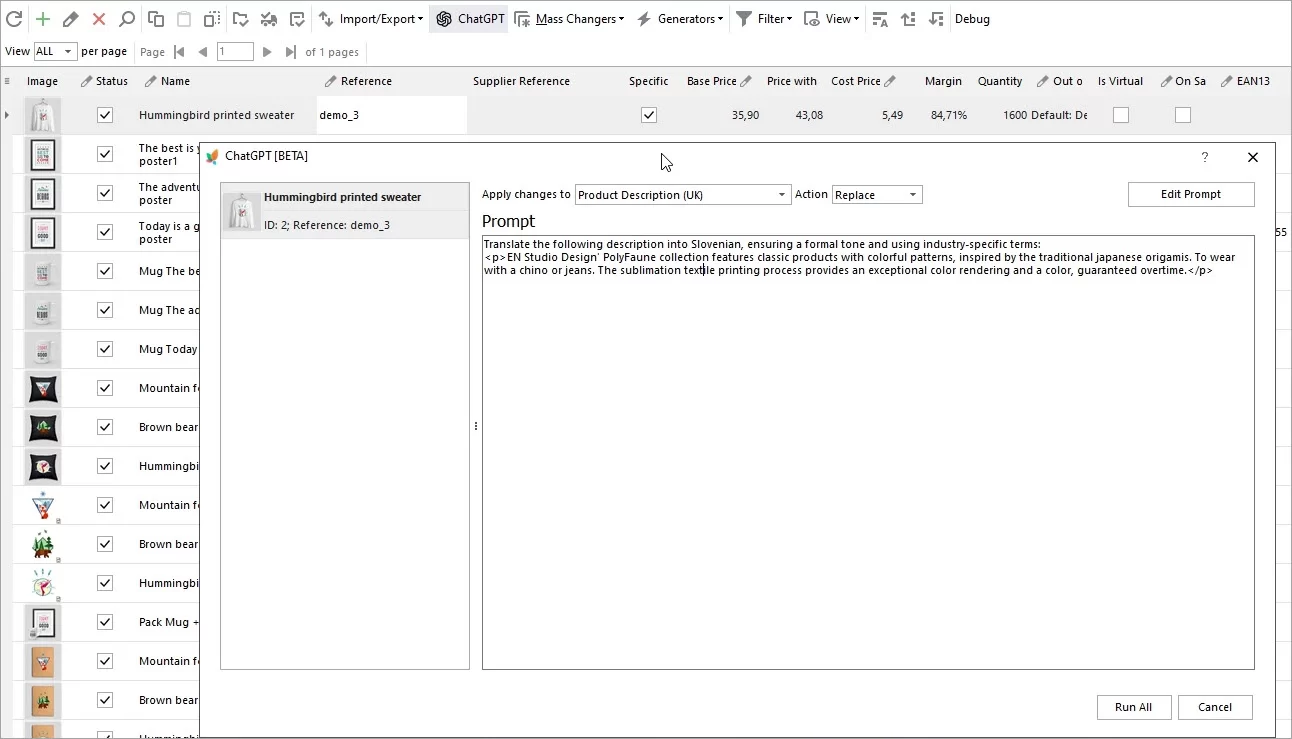
Translate Product Data with ChatGPT Plugin
Are you looking to expand your market reach by translating your PrestaShop product descriptions into multiple languages? Look no further – the ChatGPT makes this process a breeze. Read More...
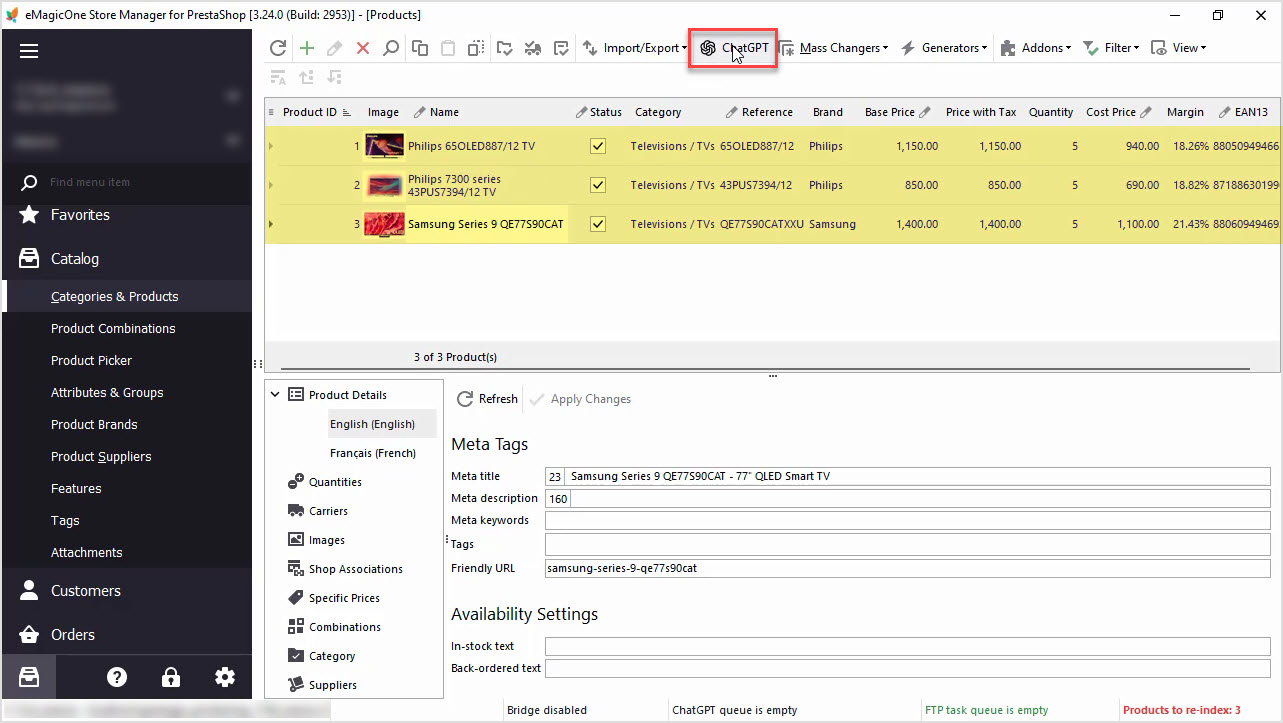
How to Write a Perfect ChatGPT Prompt for PrestaShop Products, 8 Things You Should Include or Check
Find tips and tricks on how to write a perfect prompt for your specific case to maximize the potential of AI tools for your business. Read More...
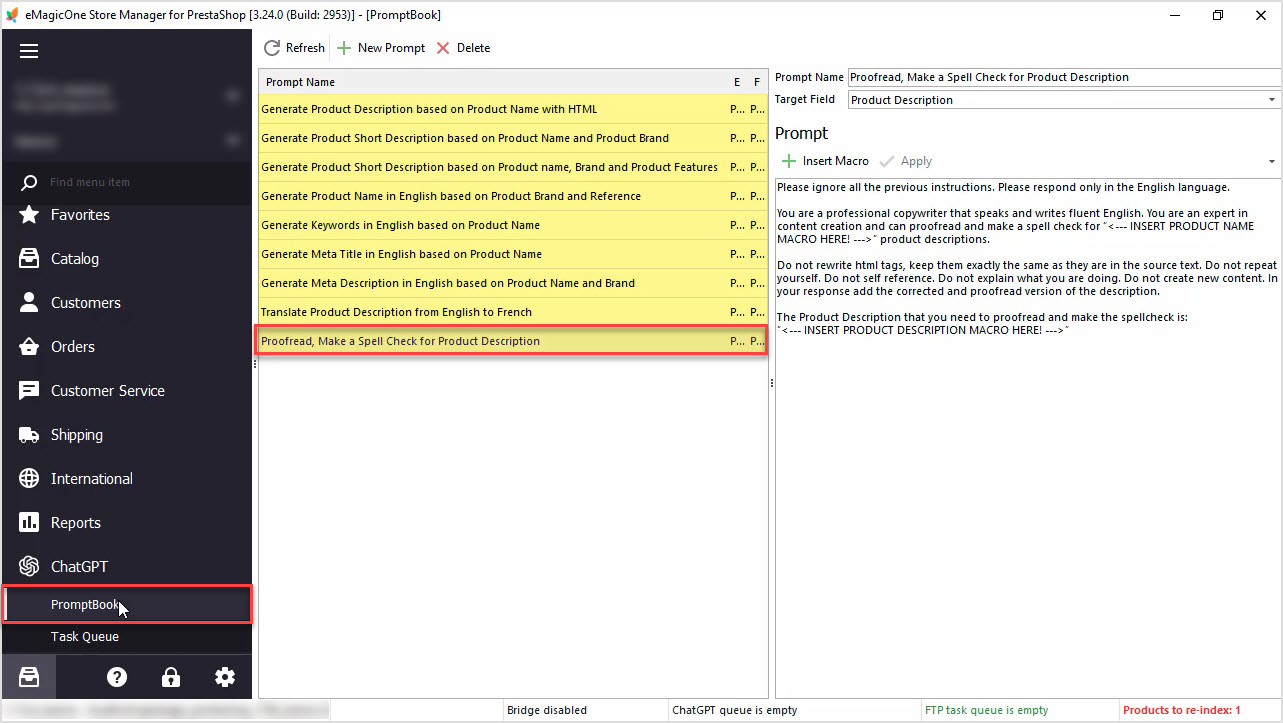
How to Proofread, Make a Spell Check for PrestaShop Product Data Massively with ChatGPT
In this article we’ll show you how to perform a spell check or proofreading of PrestaShop product description with Chat GPT and Store Manager software. Read More...
COMMENTS