
Generate a PrestaShop Product Description Based on Product Name with Claude
Is manually filling in missing product data taking too much time? With Store Manager for PrestaShop, you can generate product descriptions in bulk with AI based on product names and other product fields - quickly and efficiently. If you haven’t tried the software yet, now it is a great time to start with a free trial.
In this guide, we’ll walk you through how to generate product descriptions using Claude integration in Store Manager for PrestaShop.
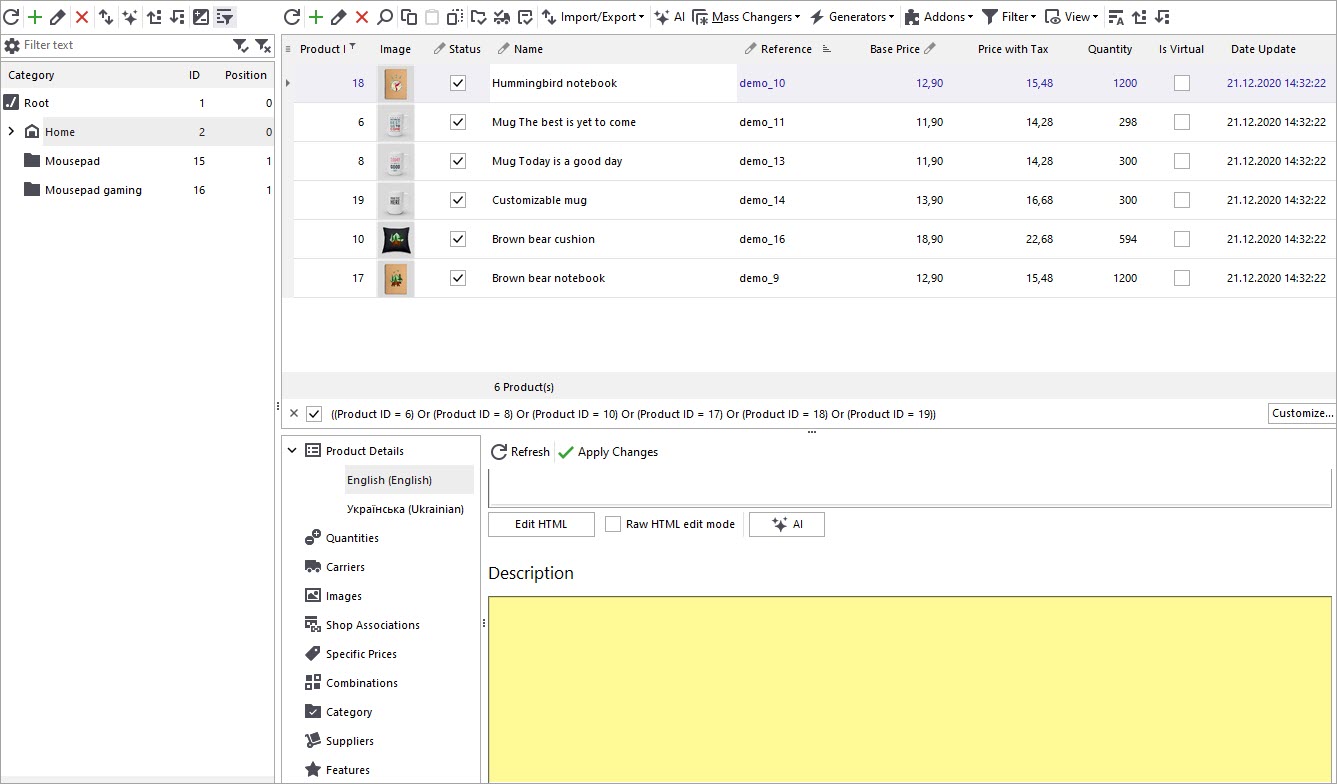
Before starting the content generation process, it’s worth reviewing your current product data. In the example below, the selected PrestaShop products do not yet have descriptions, making them perfect candidates for bulk content generation.
Claude Registration in PrestaShop Manager
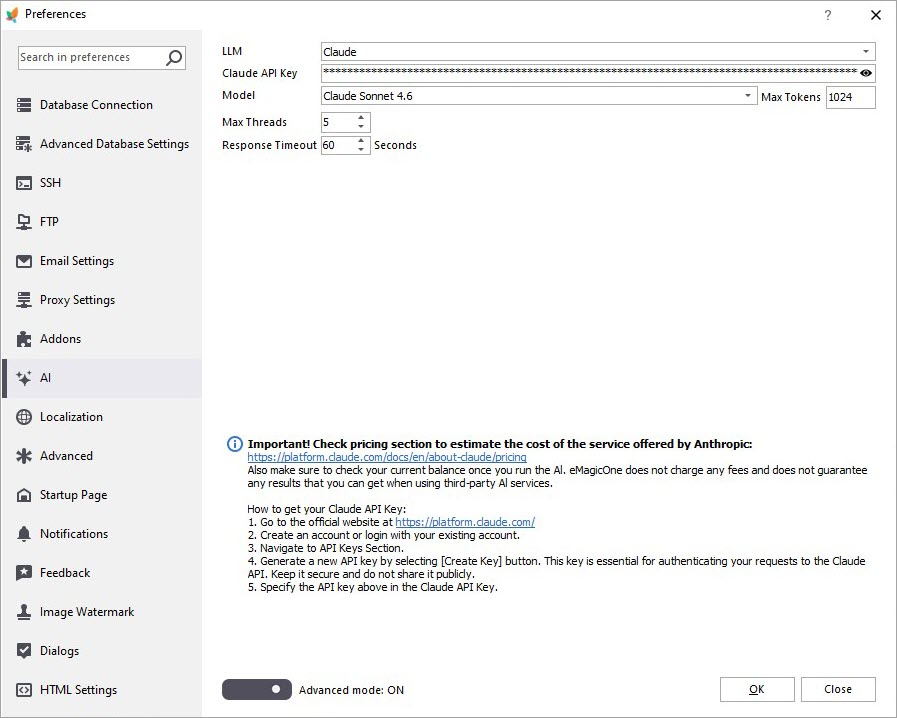
Open the Preferences (F12) window in PrestaShop Manager and go to the AI tab. Select Claude from the LLM dropdown, specify the API key and a model.
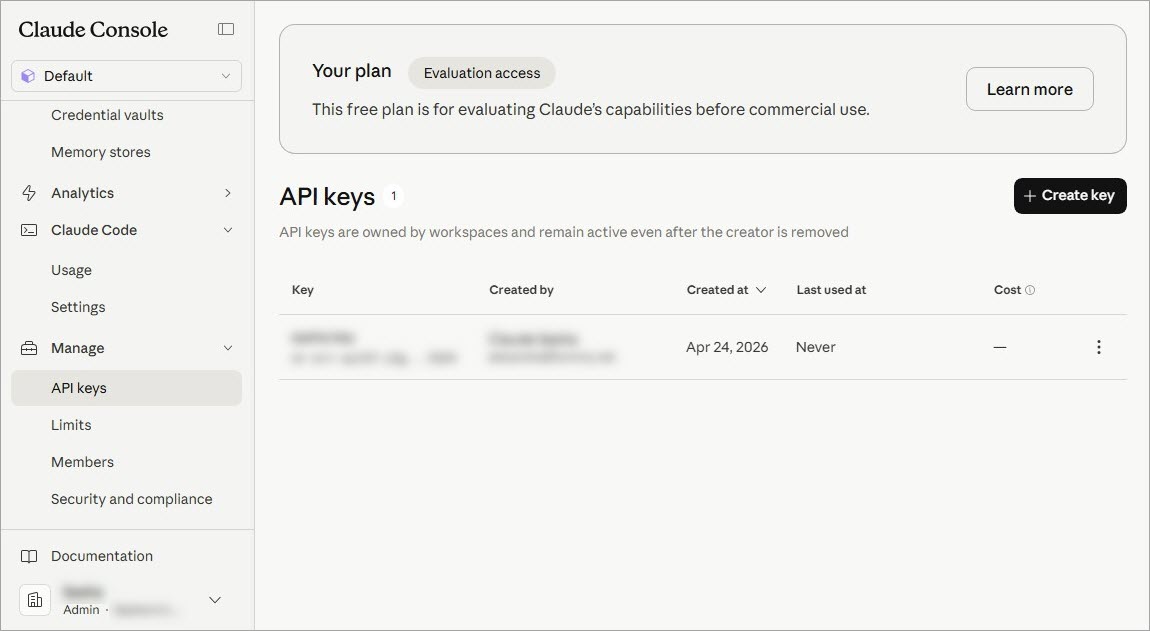
You can create an API key in the Claude console / Manage / API keys.
Create Your Custom Prompt
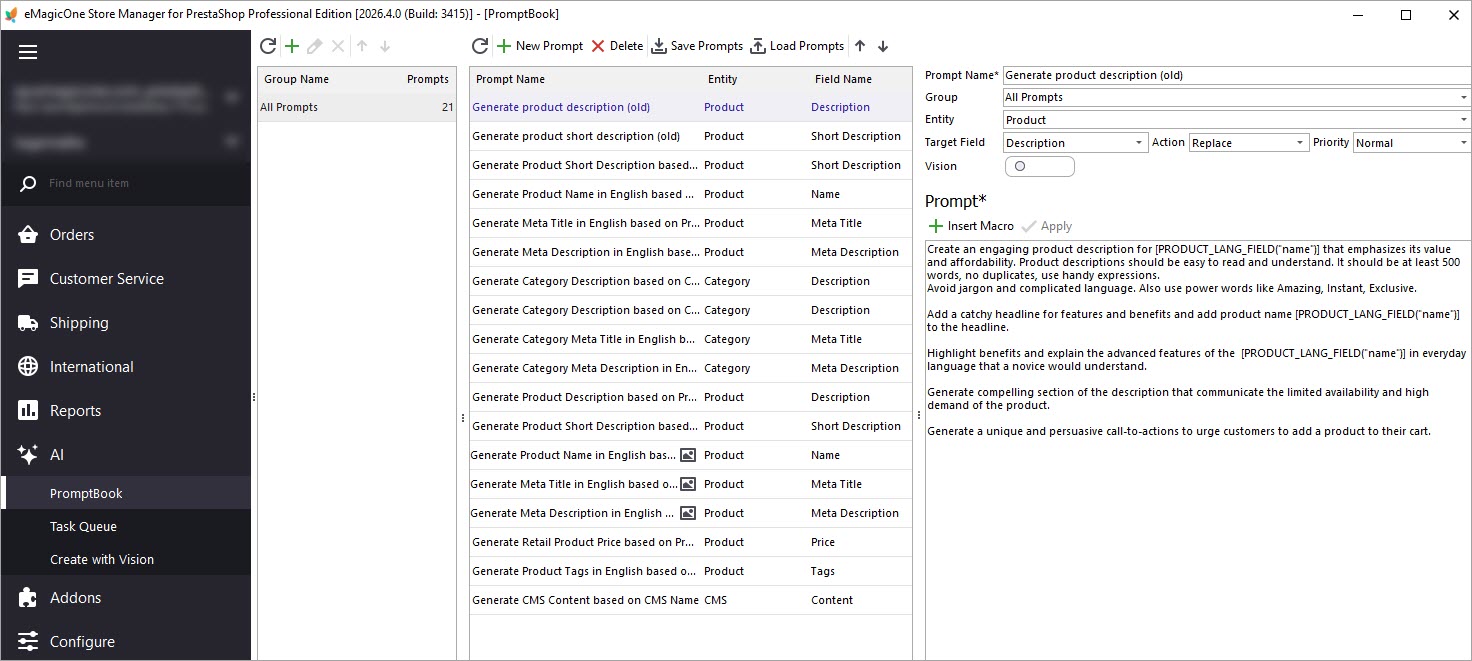
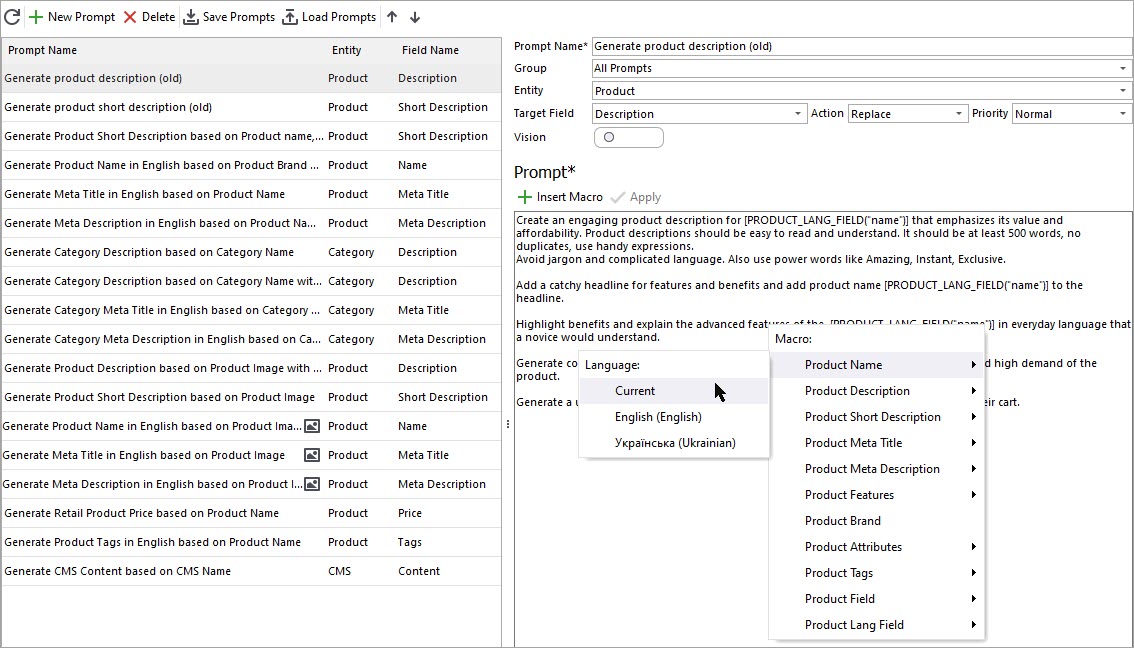
To begin generating descriptions, open the AI menu and access PromptBook. This section contains available prompts that can be applied to PrestaShop products in bulk, along with options to create your own custom prompts tailored to your business goals. For this example, we’ll use a prompt designed to generate product descriptions based on product names.
Add the Necessary Macros to Your Prompt
Inside the prompt editor, set your target field to Product Description so the generated content is saved correctly. You’ll also see a list of available macros representing product fields that can be inserted into your prompt. In this case, we’ll use the product name macro to create descriptions. Once your prompt is ready, click “Apply” to save it.
Open the Claude Content Generator
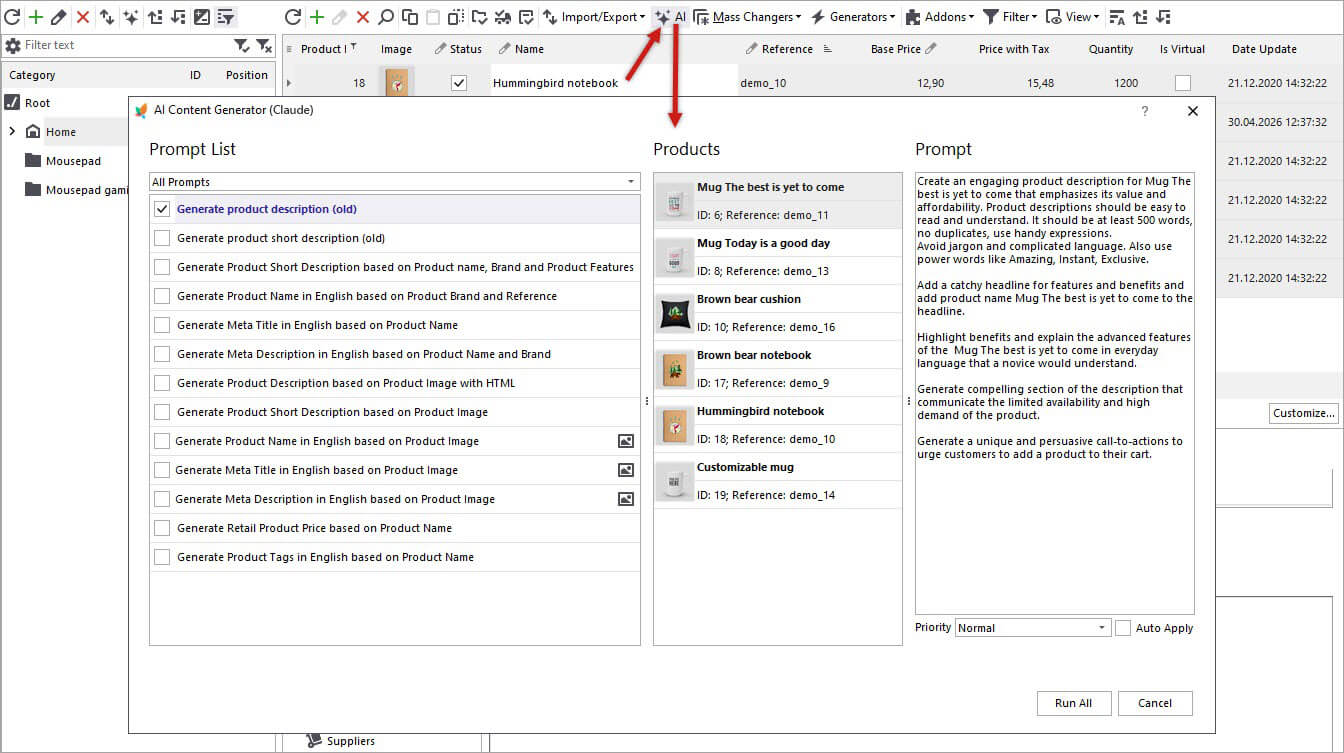
After configuring your prompt, return to the product list and select the products you’d like to update. It’s often best to test on a small batch first before processing your full catalog. Click the “AI” button to open the generator and select a prompt for description generation by Claude.
Review Tasks in the Claude Queue
Run the generation process and open the Tasks Queue to monitor progress.
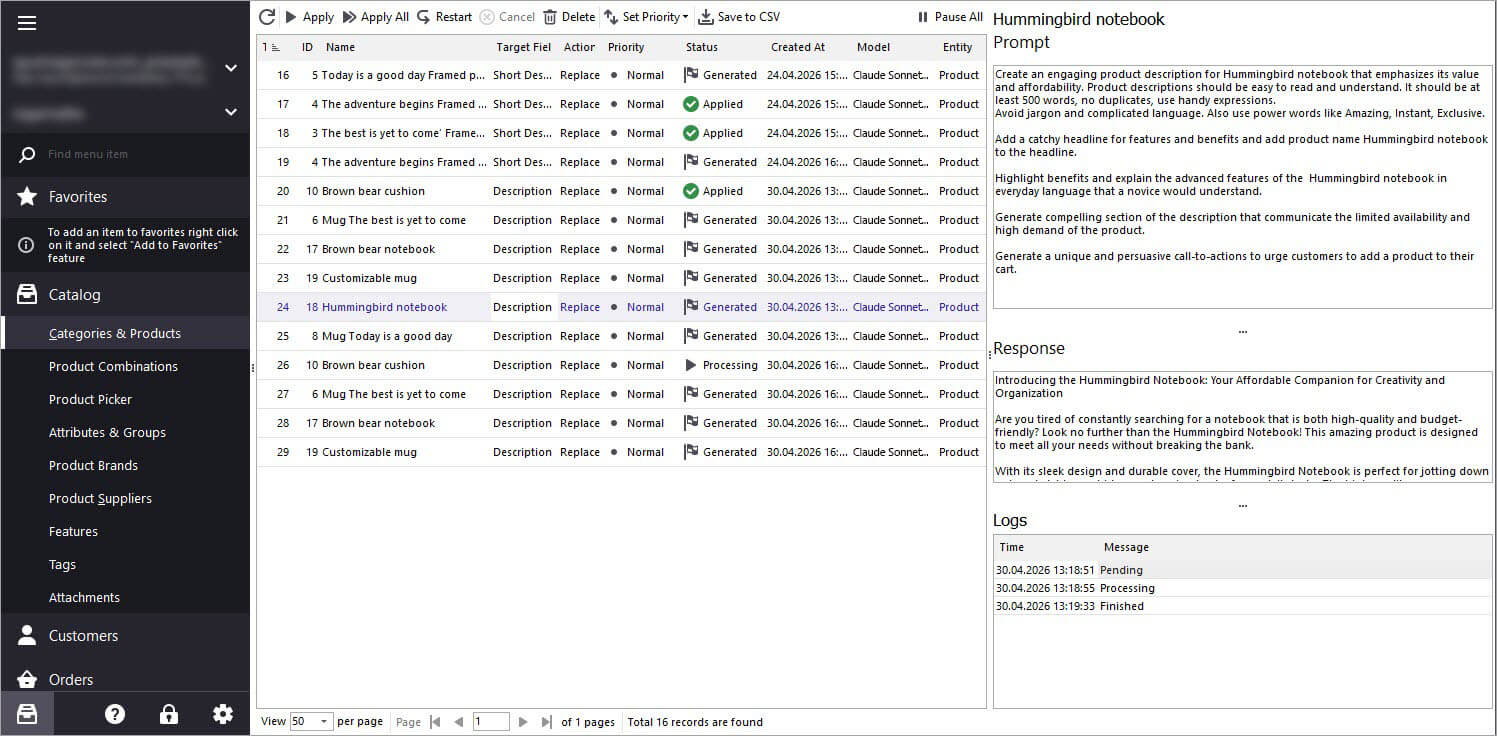
Here, you’ll see selected products along with task statuses changing from Pending to Generated as Claude completes each description. You can also preview Claude’s responses before applying them.
Once you’re satisfied with the generated descriptions, you can apply them individually or in bulk.
Verify Changes
After applying the updates, check your products to confirm the new PrestaShop product descriptions. Refresh the page if necessary to view the latest changes.
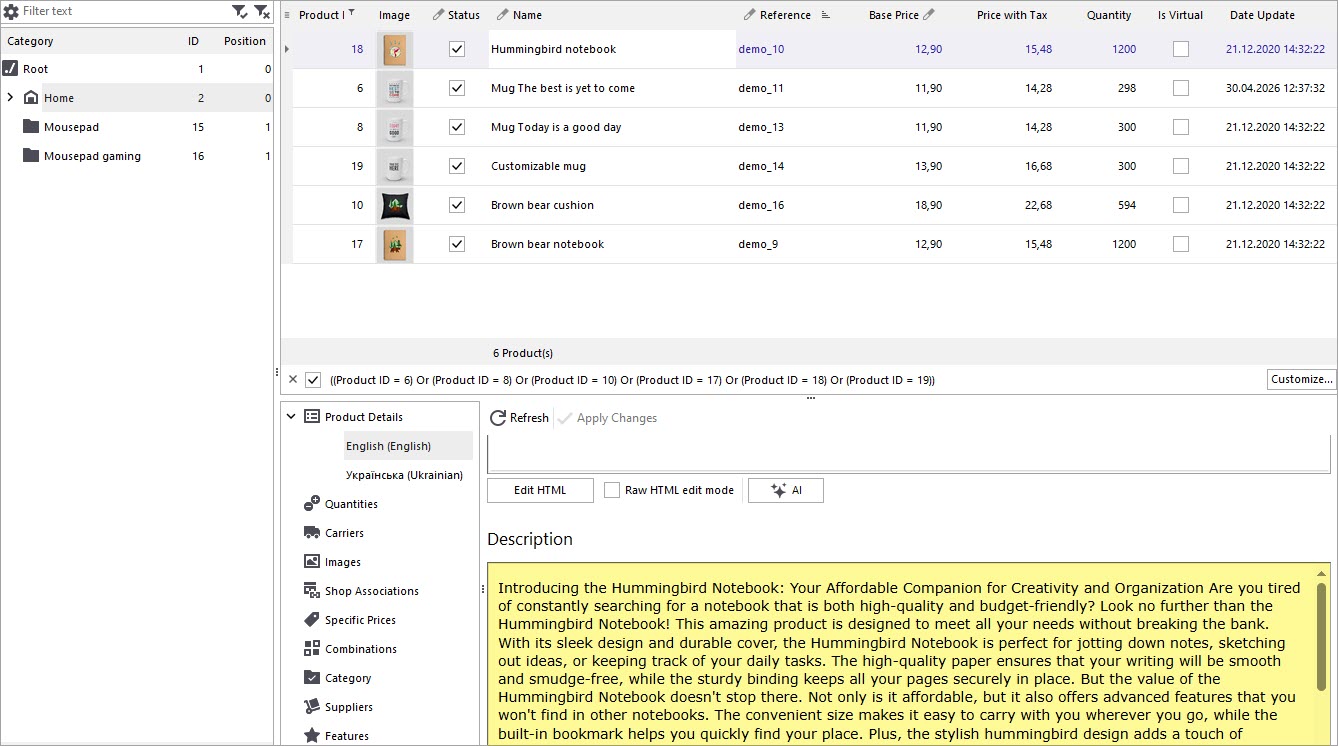
If you are using a Bridge type of connection, make sure to click “Post changes to web” to see the descriptions on the storefront.
Generate PrestaShop Descriptions with Claude by Product Name FREE for 14 days
Download FREE trial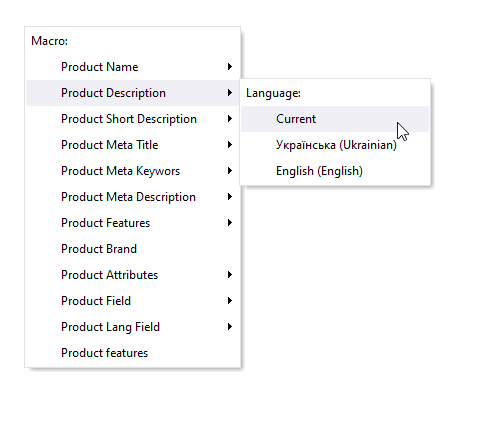
How to Generate PrestaShop Product Meta Description Based on Product Name and Brand with ChatGPT
Learn how to generate product meta descriptions based on product name and brand in bulk with Store Manager for PrestaShop and ChatGPT tool. Read More...
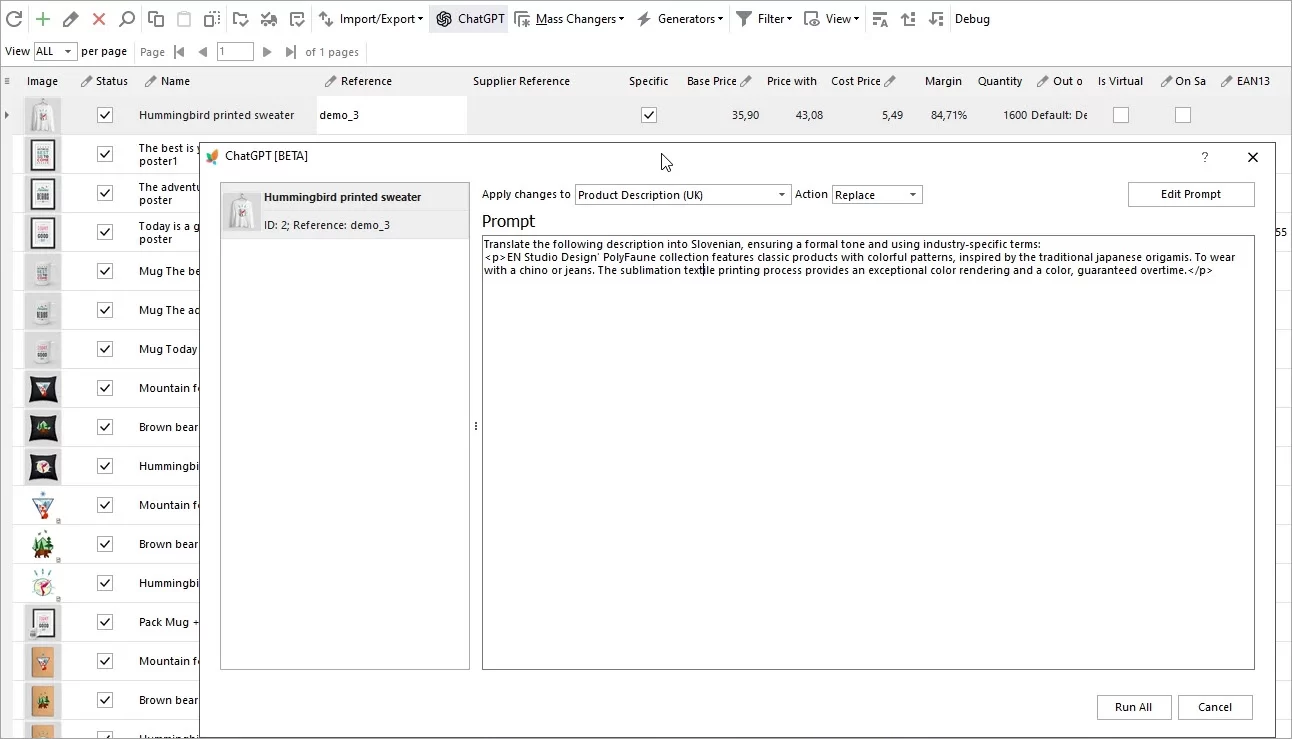
Translate Product Data with ChatGPT Plugin
Are you looking to expand your market reach by translating your PrestaShop product descriptions into multiple languages? Look no further – the ChatGPT makes this process a breeze. Read More...
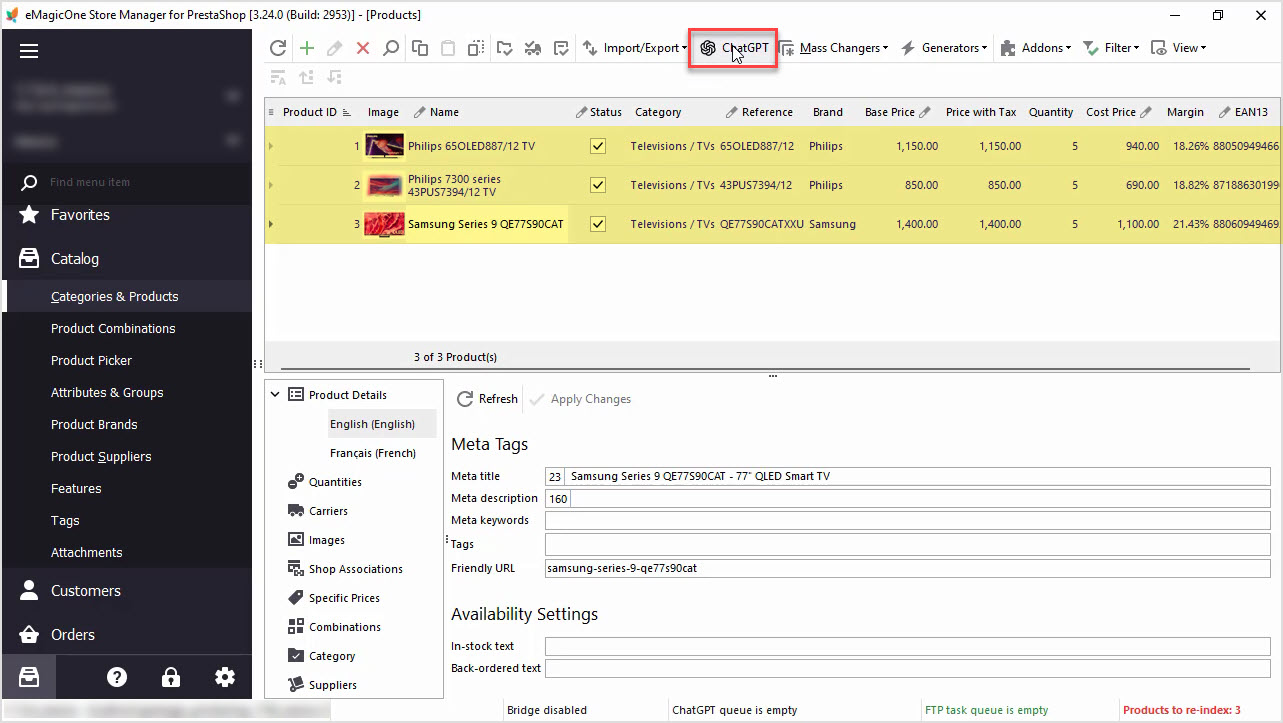
How to Write a Perfect ChatGPT Prompt for PrestaShop Products, 8 Things You Should Include or Check
Find tips and tricks on how to write a perfect prompt for your specific case to maximize the potential of AI tools for your business. Read More...
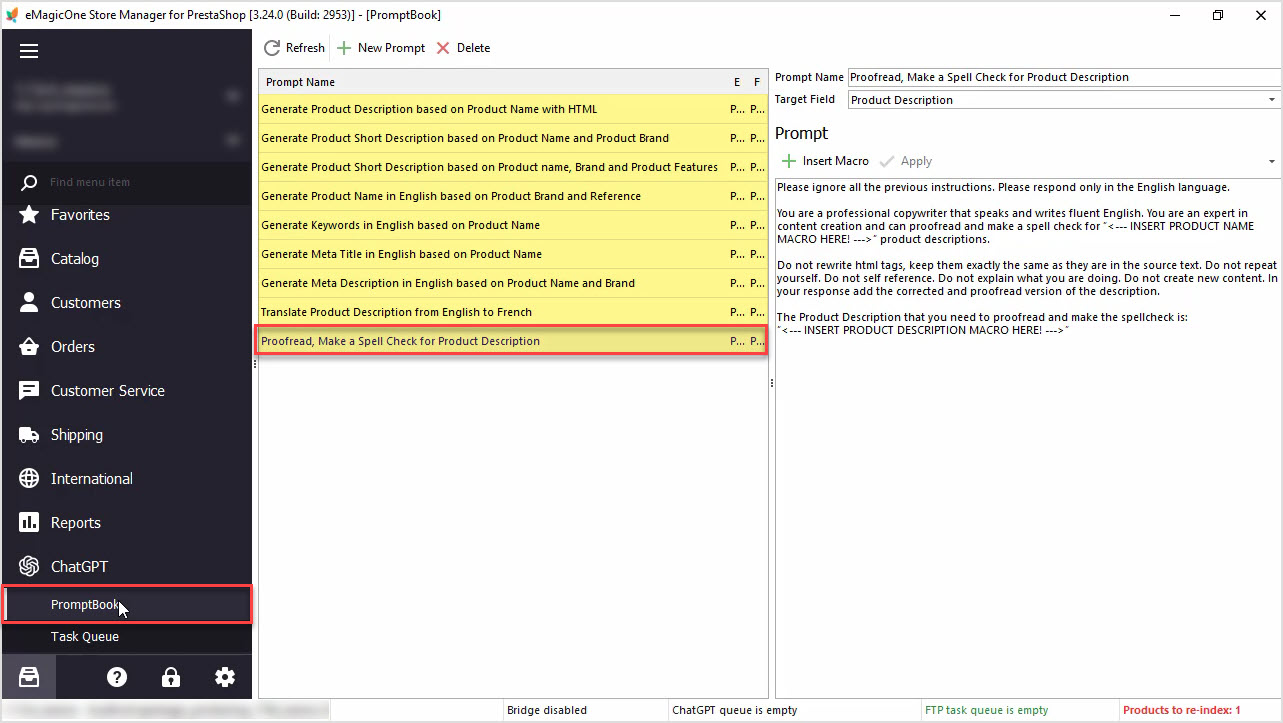
How to Proofread, Make a Spell Check for PrestaShop Product Data Massively with ChatGPT
In this article we’ll show you how to perform a spell check or proofreading of PrestaShop product description with Chat GPT and Store Manager software. Read More...
COMMENTS